Disable "New sign in to your GCC Moodle Online Learning System account"
Completion requirements
Each time you log on to Moodle from a new network address (your network address changes frequently even if your physical location does not!) you receive a notification from Moodle. This setting is enabled by default to improve the security of Moodle classrooms.
Although it is not recommended, individual users can disable these notifications:
- Log on to Moodle.
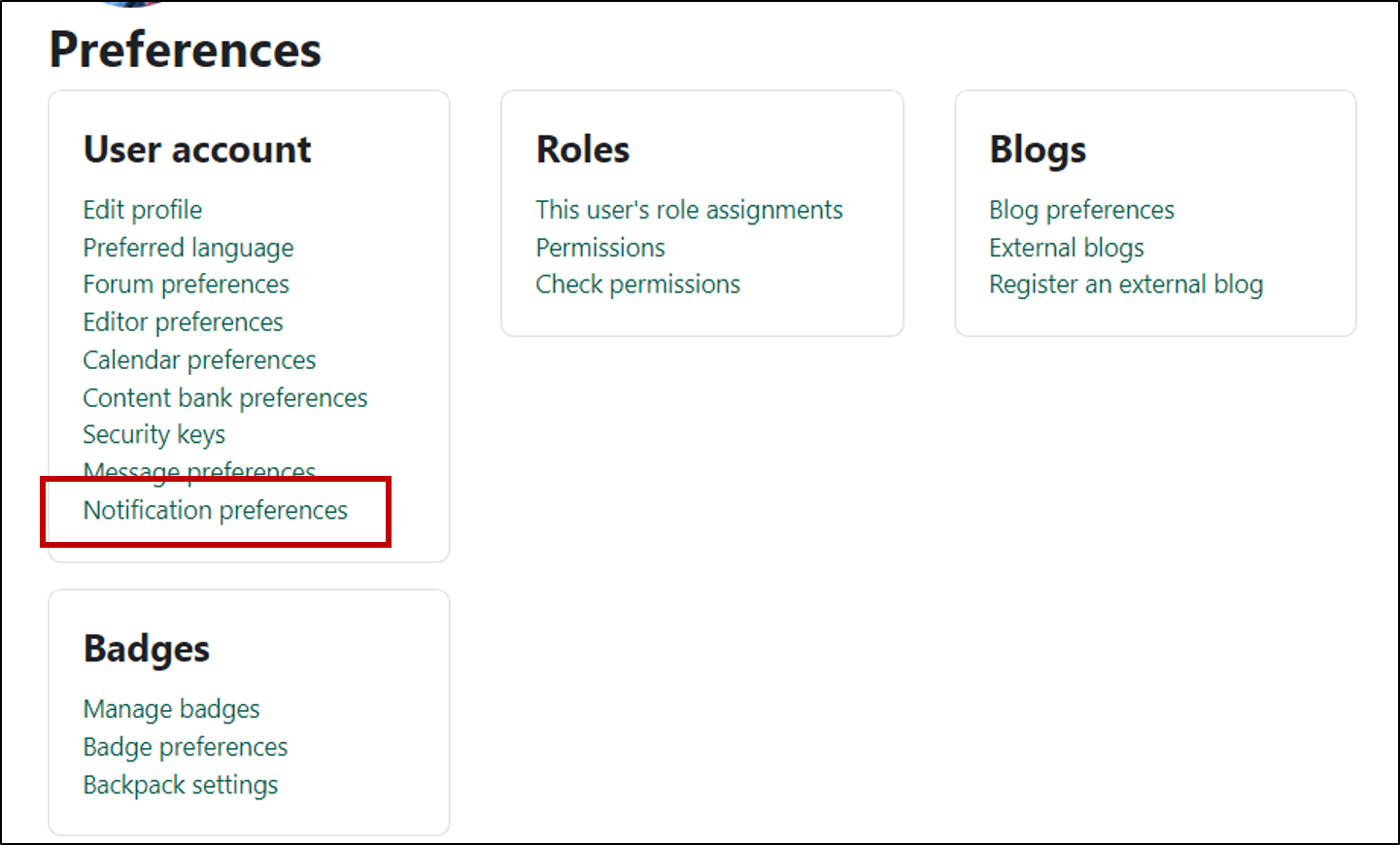
- In you avatar menu, click "Preferences."

- Click to open "Notification preferences"
- Find the option for "New login notifications" in the "System" group.
- Click to disable the "Email" option.

- Close the preferences.
Last modified: Wednesday, August 13, 2025, 7:09 AM